
 Khizrana Begum
Informational Content Writer
Khizrana Begum is an informational content writer who creates clear, structured and reader-friendly articles across general knowledge, technology, digital topics, lifestyle and practical everyday subjects.
Read Full Bio of Author →
Informational Content Writer
 Sameena Begum
Content Reviewer
Sameena Begum is a content reviewer who reviews selected QuoraBlog articles for clarity, readability, organisation, consistency and responsible presentation.
Read Full Bio of Reviewer →
Content Reviewer
Easy Steps to Configure Dedicated Servers – The world of dedicated servers is a large and complex one. What are these servers? A dedicated server is essentially a server that you have rented and have control exclusively. When people explain dedicated servers to someone, they often use the analogy of renting out a large house room that you have no access to aside from this room. You rent out the entire house or server, and it is yours.
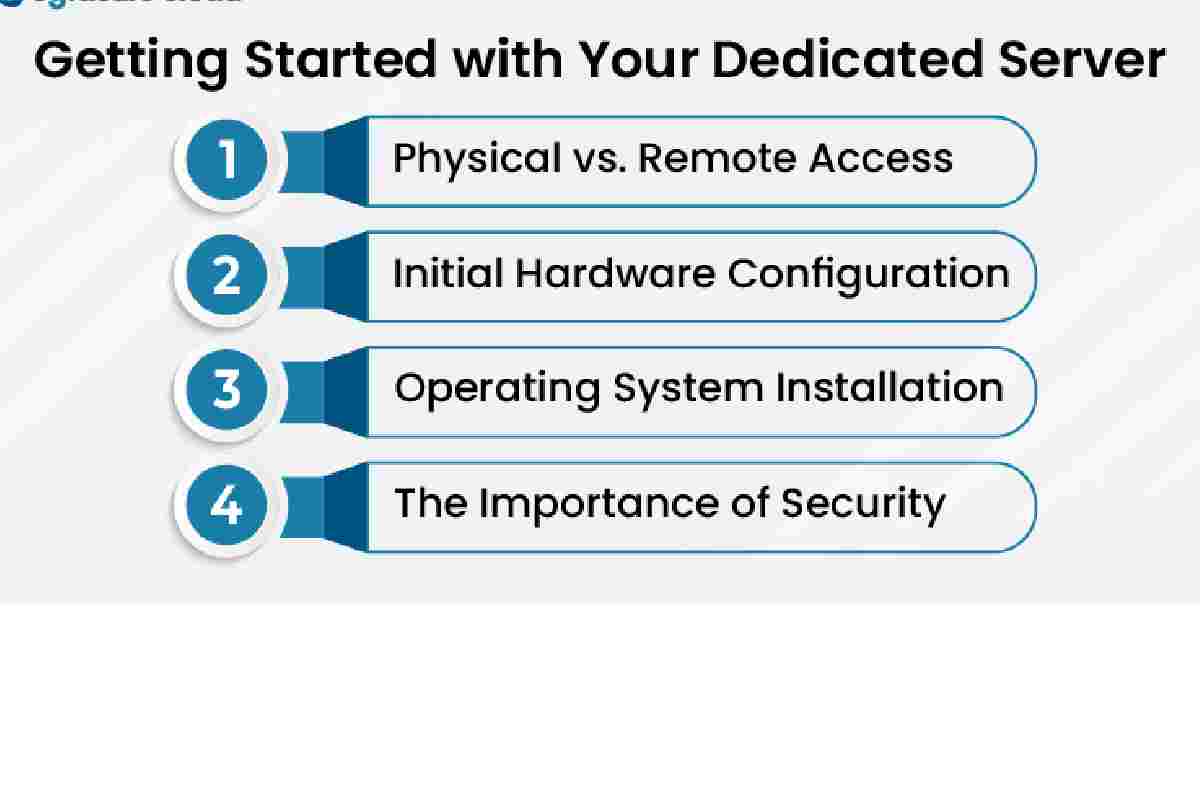
These are the following steps to configure dedicated servers:
Table of Contents
Step 1:
Several companies offer these servers. A quick google search will bring up a number of them. They will all typically offer a basic package and higher-end packages with more features or increased performance. It is essential to consider the cost of the server, the total cost it will take to maintain this server monthly, and what you expect to get out of it.
Step 2:
Once you’ve acquired your server from a company, you will need to purchase the operating system of choice. First, look at what Operating System (OS) your new server will run. A Windows server, for example, comes with Microsoft’s IIS Web Server and ASP.NET already installed. Although you can install other components via the OS’s package manager, it is often not recommended. It may cause conflicts or interfere with the operating system’s software to run correctly. Each OS has its installation process, so follow the steps with the OS note.
Step 3:
So, you’ve picked your Operating System and server package. Now it’s time to give some thought to the configuration of the new dedicated server. Generally speaking, there are two types of designs available. Standard Configuration (SC) is an installation of the OS and web server. It’s also a pre-configured (PC) configuration where the OS and web server software have been configured in advance by the hosting company to meet your needs precisely.
Step 4:
Now that you’ve got your dedicated server up and running, it’s time to install an application on it. Most people who set up a dedicated server use it to host a popular website or run their custom software. Therefore, it is essential to keep in mind the additional software you will need to be installed on your server. Also, consider whether that extra software will require a specific configuration for your particular needs.
Step 5:
Don’t underestimate the importance of getting the right service provider for your dedicated server. If you are having problems with it, it can be highly frustrating. It’s hard to get support via a company that only rents you the server and does not specialize in this area. You may also want to see if they offer any hosting plans that let you manage your dedicated server. It saves you money throughout your hosting contract.
According to Liquid Web, “Our fully customizable Dedicated Server Hosting provides real-time monitoring and a 100% Power & Network Uptime Guarantee.” If you want more information about dedicated servers, reach out to these experts!
Khizrana Begum is an informational content writer who creates clear, structured and reader-friendly articles across general knowledge, technology, digital topics, lifestyle and practical everyday subjects.
Sameena Begum is a content reviewer who reviews selected QuoraBlog articles for clarity, readability, organisation, consistency and responsible presentation.